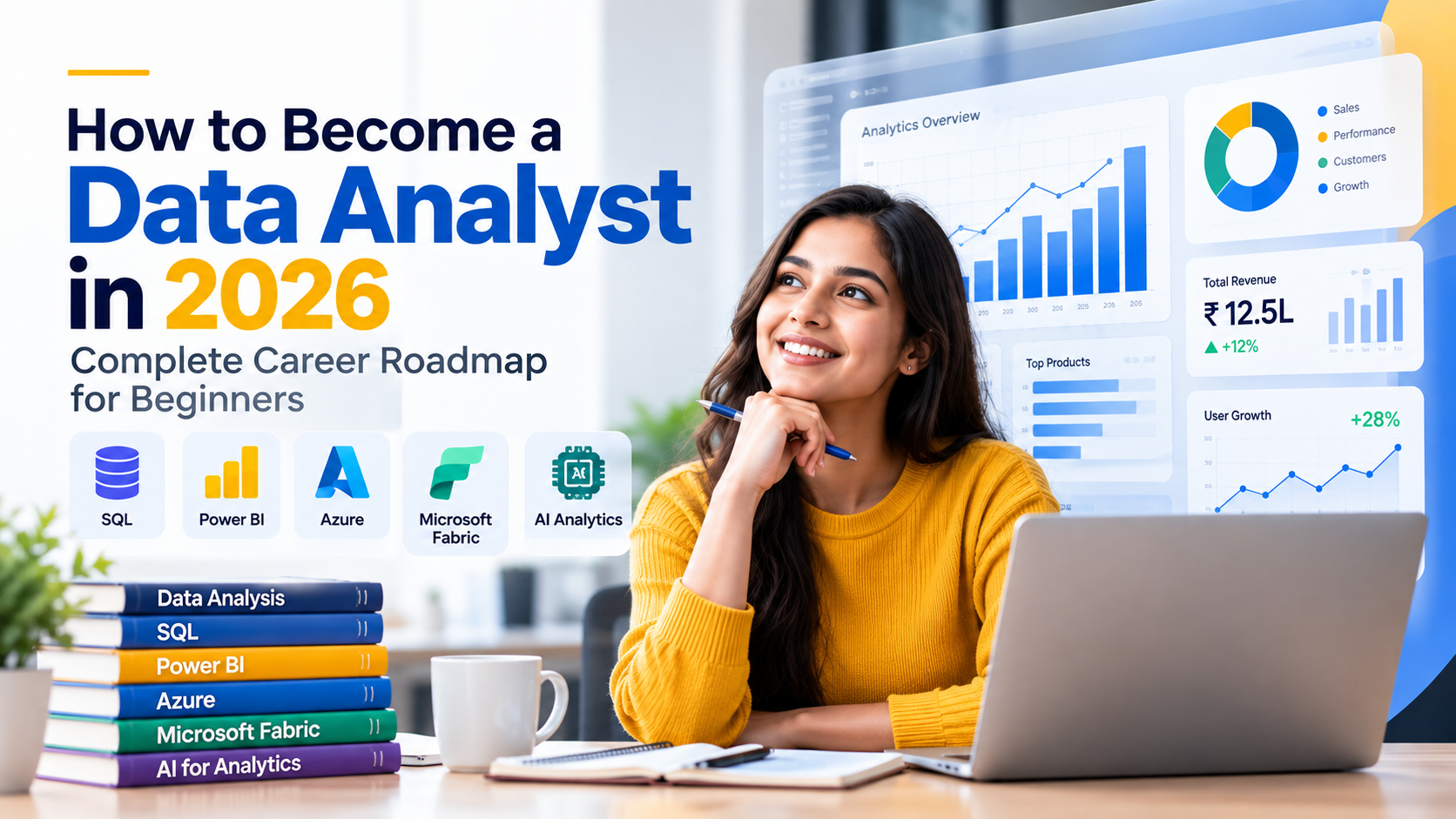
Can Non-Technical Students Become Data Analysts?
Many students hear about Data Analytics and immediately think:
“I don’t have a computer science background. Can I learn Data Analytics?”
The answer depends on your willingness to learn technical concepts and practice consistently.
A computer science degree is not the only possible starting point for learning analytics. Students from backgrounds such as commerce, management, science and arts can explore Data Analytics by developing the relevant technical and business skills.
KloudAI specifically states that its beginner-oriented Data Analyst program is designed for students, freshers, working professionals and non-technical learners, and that a coding background is not required for its beginner-level programs.
Do Data Analysts Need Coding?
Data Analytics is broader than traditional software development.
A beginner may start with tools and concepts such as:
- Excel
- SQL
- Power BI
- Data visualization
- Data modeling
- Business KPIs
SQL is particularly important because it allows analysts to work with structured datasets.
You don’t necessarily need to start by learning advanced programming languages.
What Should a Beginner Learn?
A structured learning path can make the process easier.
Step 1: Understand Data
Start with:
- Tables
- Rows
- Columns
- Databases
- Data types
- KPIs
- Basic statistics
You need to understand what your data represents before trying to analyze it.
Step 2: Learn SQL
Begin with simple queries:
SELECT
    product_name,
    sales
FROM sales;
Then progress toward:
SELECT
    product_name,
    SUM(sales) AS total_sales
FROM sales
GROUP BY product_name
ORDER BY total_sales DESC;
With practice, you can move into joins, CTEs, subqueries and window functions.
Step 3: Learn Power BI
Power BI can help turn analyzed datasets into understandable dashboards.
A beginner can start with:
- Importing data
- Cleaning data
- Creating relationships
- Building charts
- Creating KPIs
- Designing dashboards
Step 4: Work on Real Projects
Projects are important because they connect theory with practical problem-solving.
For example:
Project: Retail Sales Dashboard
Questions you could answer:
- Which products sell the most?
- Which month generated the highest revenue?
- Which region performs best?
- Which customers contribute the most revenue?
This is where Data Analytics becomes more practical.
Step 5: Learn Modern Data Technologies
After building a foundation, you can explore:
Azure
For cloud data services.
Microsoft Fabric
For modern analytics and data platform concepts.
AI-enabled Analytics
For using AI to assist with SQL, reporting and data analysis.
These areas are included in KloudAI’s current curriculum.
What Backgrounds Can Explore Data Analytics?
Potential learners include:
- B.Com students
- BBA students
- B.Sc students
- BA graduates
- MBA students
- Engineering graduates
- Working professionals
- Career switchers
KloudAI’s course information specifically lists graduates from BCom, BBA, BSc, BA and MBA backgrounds among potential learners.
How Can You Prepare for a Data Analyst Job?
Technical learning is only one part of career preparation.
You should also work on:
Resume
Show your technical skills and projects clearly.
Portfolio
Include dashboards, SQL projects and case studies.
Interview Preparation
Practice:
- SQL questions
- Data analysis questions
- Power BI questions
- Business case studies
- Behavioral questions
Communication
A Data Analyst often needs to explain findings to people who may not be technical.
KloudAI’s placement-support program describes services including resume building, interview preparation, mock interviews, job referrals and ongoing career guidance.
Final Thoughts
Coming from a non-technical background does not mean you cannot explore Data Analytics.
The key is to follow a structured learning path:
Data Fundamentals → SQL → Data Modeling → Power BI → Projects → Azure/Fabric → AI-enabled Analytics → Interview Preparation
Rather than trying to learn everything at once, focus on one skill at a time and continuously apply it through projects.
If you’re in Bhilai and looking for practical Data Analytics training, KloudAI offers a job-focused program covering SQL, Power BI, Azure, Microsoft Fabric and real-world projects.
Recommended internal links
For these blogs, I would link the articles to:
- Data Analyst Course → KloudAI Course page Data Analyst Course
- About KloudAI → About KloudAI
- Placement Support → Placement Support
- Contact / Free Consultation → Contact KloudAI
These three topics also give you a good SEO cluster around “Data Analyst Course in Bhilai”, “SQL and Power BI”, and “Data Analytics for beginners/non-technical students.”