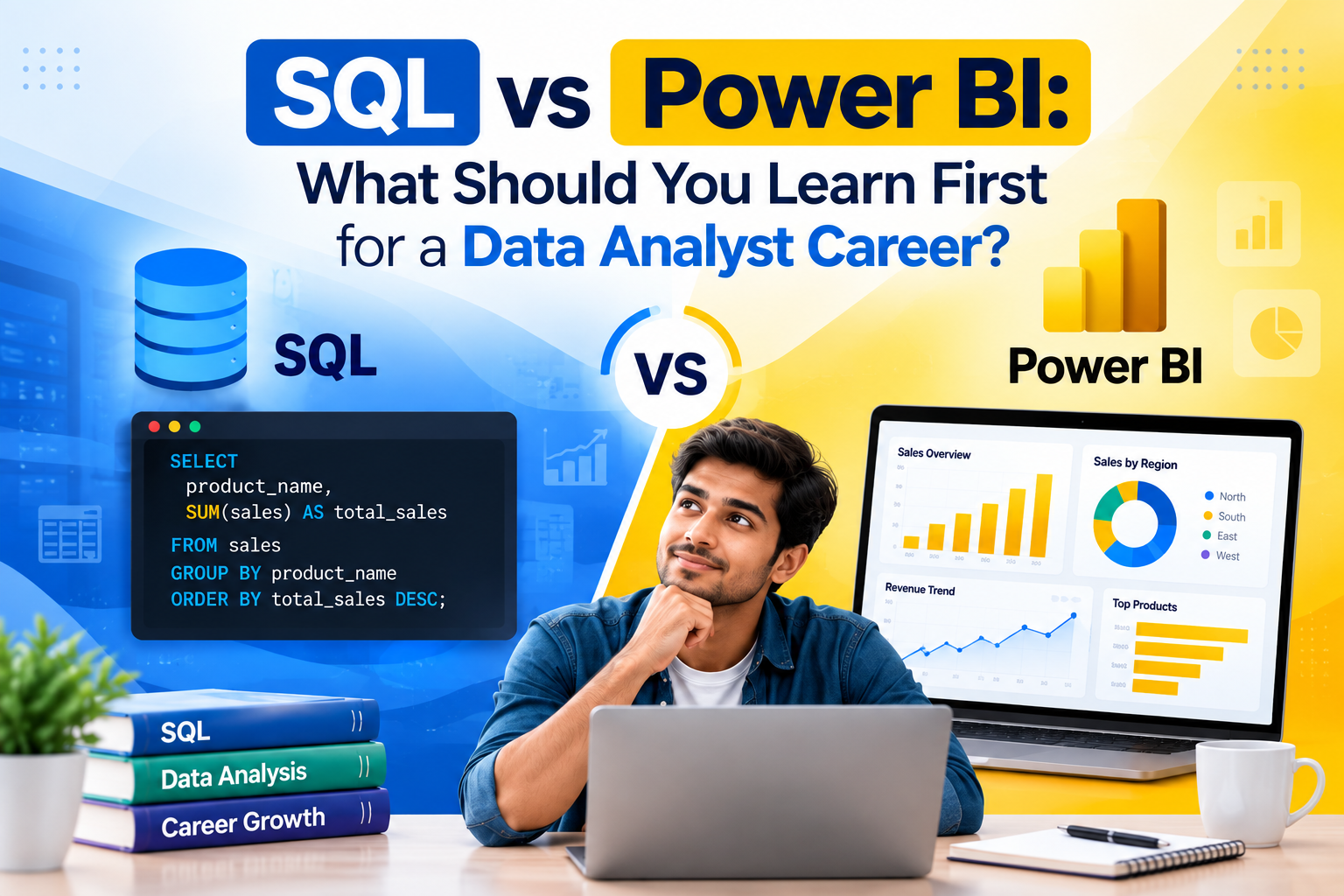
SQL vs Power BI: What Should You Learn First?
If you’re starting your Data Analytics journey, you will probably hear two technologies again and again: SQL and Power BI.
Beginners often ask:
Should I learn SQL first or Power BI?
The answer becomes clearer when you understand what each technology is designed to do.
What Is SQL?
SQL, or Structured Query Language, is used to work with data stored in relational databases.
With SQL, you can:
- Retrieve data
- Filter records
- Join tables
- Calculate totals
- Group information
- Analyze trends
- Create complex queries
For example, a company might have separate tables for:
- Customers
- Products
- Orders
- Payments
SQL can be used to combine these datasets and answer business questions.
Example
Suppose a company wants to know:
“Which products generated the highest revenue this year?”
You could use SQL to:
- Retrieve sales records
- Join products with orders
- Calculate revenue
- Group the results
- Sort products by revenue
The output can then be used for further analysis.
What Is Power BI?
Power BI is a business intelligence and visualization platform.
It can transform data into:
- Interactive dashboards
- Charts
- KPIs
- Reports
- Business insights
For example, after preparing sales data, you could create a Power BI dashboard showing:
- Total revenue
- Monthly revenue
- Top products
- Regional performance
- Customer segments
SQL vs Power BI
| SQL | Power BI |
|---|---|
| Database query language | Business intelligence platform |
| Used to retrieve and analyze data | Used to visualize and report data |
| Works heavily with databases | Works with multiple data sources |
| Query-focused | Dashboard-focused |
| Important for data preparation | Important for data presentation |
They are not really competing technologies.
They complement each other.
Why Learn SQL?
SQL helps you understand what is happening inside your data.
You should learn:
- SELECT
- WHERE
- GROUP BY
- JOIN
- CASE
- CTE
- Subqueries
- Window functions
These concepts form an important part of practical Data Analytics work.
Why Learn Power BI?
Power BI helps you communicate the results of your analysis.
You can learn:
- Power Query
- Data modeling
- DAX
- Visualizations
- KPI development
- Dashboard design
- Row-level security
KloudAI’s current curriculum includes both SQL and Power BI, progressing from SQL fundamentals and advanced SQL into data modeling and Power BI visualization.
Which One Should Beginners Learn First?
A practical sequence is:
Step 1 → Data fundamentals
Understand how data is structured.
Step 2 → SQL
Learn how to retrieve, filter and analyze data.
Step 3 → Data modeling
Understand relationships between datasets.
Step 4 → Power BI
Turn your analysis into dashboards.
Step 5 → Projects
Combine SQL + Power BI to solve business problems.
Build a Project Using Both
For example, create a Retail Sales Analytics Project.
Use SQL to:
- Analyze transactions
- Calculate revenue
- Find top products
- Analyze customers
Then use Power BI to create:
- Sales dashboard
- Revenue trends
- Product performance
- Regional analysis
- Customer segmentation
This demonstrates more than knowing isolated commands. It demonstrates an end-to-end analytics workflow.
What Should You Learn After SQL and Power BI?
Once you have a solid foundation, you can move toward:
- Azure
- Data Warehousing
- Microsoft Fabric
- Data Engineering
- AI-enabled analytics
KloudAI’s curriculum currently progresses through data foundations, SQL, data warehousing, Power BI, Azure, Microsoft Fabric and AI-enabled analytics.
Final Thoughts
Instead of asking SQL or Power BI, think of it as:
SQL + Power BI
SQL helps you work with and analyze data, while Power BI helps you communicate your findings through dashboards and reports.
Learning both gives beginners a useful foundation for practical Data Analytics projects.